WORK / 04 — TOOLS FOR MACOS

The Re
Project.

Small tools.
More room to create.

A collection of focused Mac apps for the little things that interrupt the bigger picture. Made by MajsaM. Free to use.

EXPLORE THE APPS ↓
FREE TO USEMADE FOR MACWORKS OFFLINENO SUBSCRIPTIONS

THE COLLECTION

A little less friction.

01 — 04

01ReFolder app icon

MAKE IT YOURS.

PERSONALIZE

ReFolder

Find your world at a glance.

Turn ordinary folders into something unmistakably yours. Add color, a photo, a symbol, or a short label. A small change that makes your Mac feel like your Mac.

  • Colors, images & symbols
  • Custom labels
  • Apply or export icons
DOWNLOAD FOR MAC ↓V1.0 · MACOS 13+
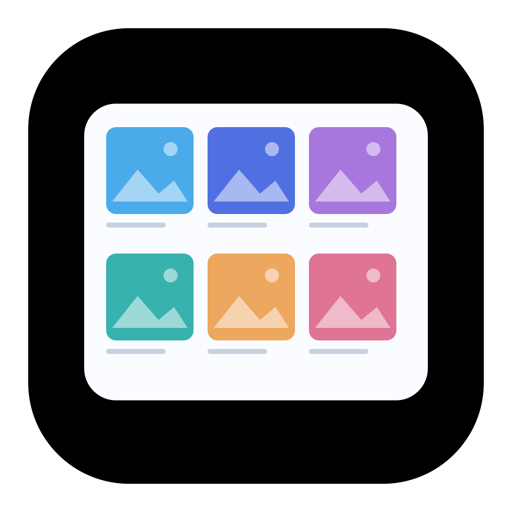
02ReBoard app icon

SEE THE WHOLE PICTURE.

ARRANGE

ReBoard

Put your images in conversation.

Bring references, frames, and ideas together on one board. Arrange a contact sheet, compare images, add captions, and share a clear view of what you have in mind.

  • Flexible image grids
  • Titles & captions
  • PNG & PDF export
DOWNLOAD FOR MAC ↓V0.1.0 · MACOS 14+
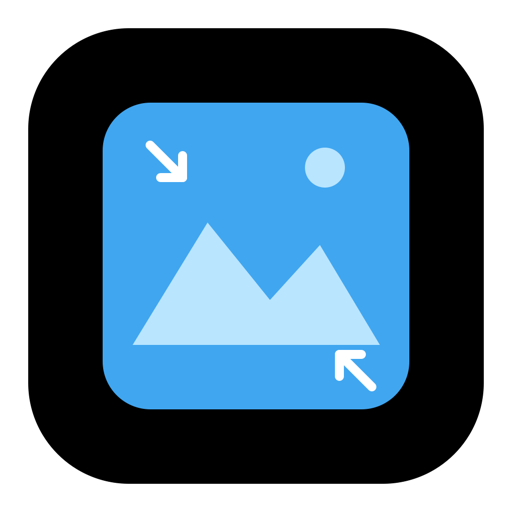
03ReSize app icon

MAKE ROOM.

SIMPLIFY

ReSize

The right size. Less guesswork.

That upload limit shouldn't stop your work. Set a target file size, compare the result with your original, and export an image that fits.

  • Target file size
  • JPEG & PNG output
  • Before & after preview
DOWNLOAD FOR MAC ↓V0.1.0 · MACOS 14+
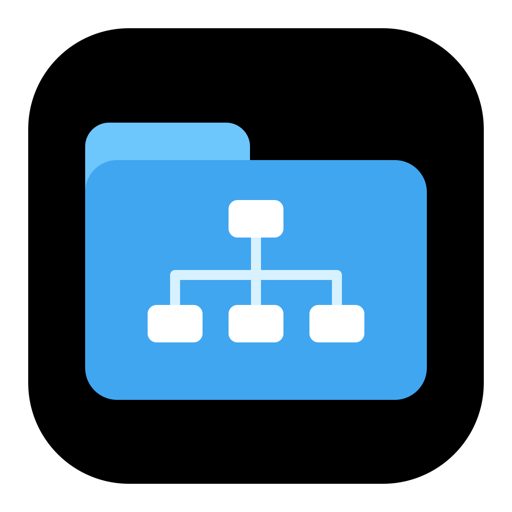
04ReStart app icon

BEGIN WITH INTENTION.

BEGIN

ReStart

A place for everything. From day one.

Give your next project a clear starting point. Choose a folder template for film, design, or everyday work—or build your own—and create the structure in one click.

  • Ready-made templates
  • Custom folder structures
  • Preview before creating
DOWNLOAD FOR MAC ↓V0.1.0 · MACOS 14+

BEFORE YOU BEGIN

Made for your Mac.
Yours to use.

How do I install an app?+

Download the app's PKG file, open it, and follow the installer. You'll find the app in your Applications folder. These downloads support both Apple silicon and Intel Macs.

Will macOS show a security warning?+

These apps are not notarized by Apple, so macOS may show a warning when you download or open them. Only install a download you trust. You can review Apple's guidance for opening apps from unidentified developers.

Apple's installation guidance ↗
Do my files leave my Mac?+

No. The apps process your files locally. No account or internet connection is required to use them.

Are the apps free?+

Yes. All four apps are free to use, with no subscriptions.

THE RE PROJECT / BY MAJSAM

Less in the way.
More in the making.

BACK TO WORK ↗